Assembly
A downloadable game for Windows and Linux
Assembly is a shipbuilding simulation game where you design spaceships to satisfy customers from across the galaxy!
Controls:
Left Mouse Button - used to interact with nearly all menus in the game, and to pick up/place subsystems on the grid.
Right Mouse Button - when your cursor is over a subsystem and this button is pressed, that subsystem will be removed from the ship.
Spacebar - press while dragging a subsystem to rotate it.
Escape - opens the pause menu.
How to Play:
Your goal is to get rich designing starships!
The current ship request is displayed in the top left of the screen. This includes valuable information like the required ship class (destroyer, corvette, etc.), whether or not the customer wants weapons installed on their ship, faster than light capabilities, autonomous, and more. Use this window to decide what ship class you want to submit and what subsystems you want to add to the ship.
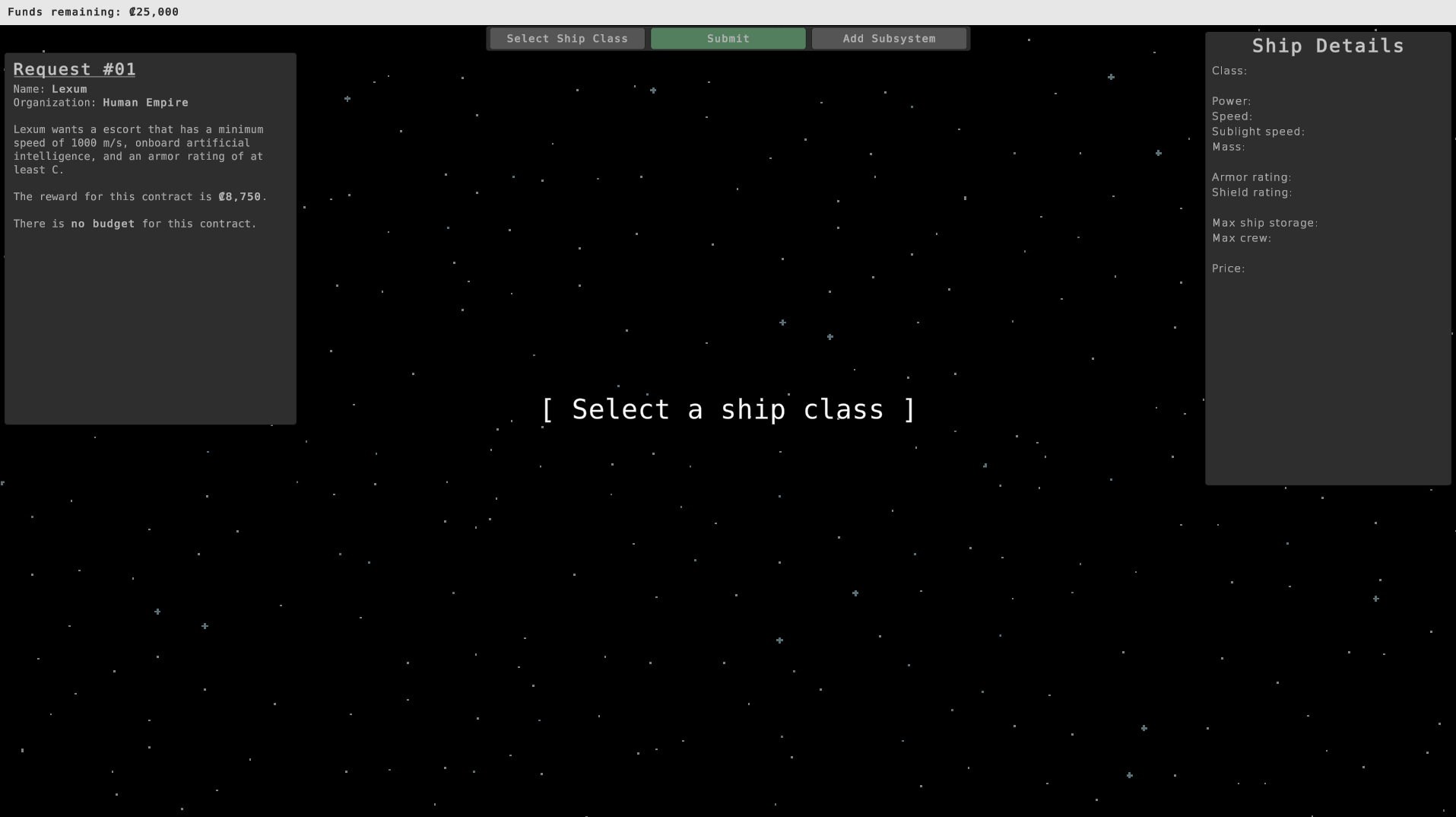
Clicking the "Select Ship Class" will allow you to select the ship class you'd like your design to be based on. Currently there are five classes to choose from: Escort, Corvette, Destroyer, Cruiser, and Carrier. Each of these classifications has their own weights and subsystem limit.
When you've selected a class, you'll see a ship appear with a grid on top of it. This grid will change based on the class you've selected.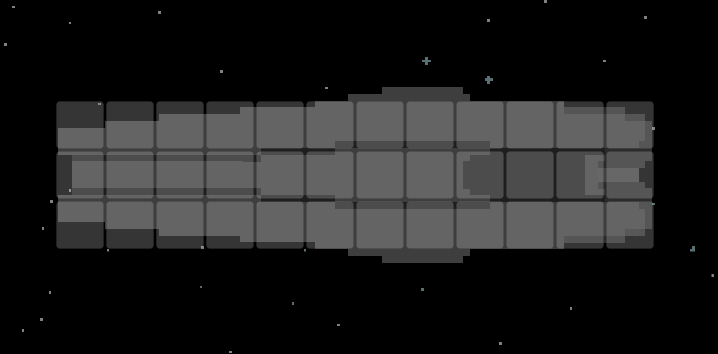
The grid represents the subsystems you can fit inside this ship. Subsystems can be added to your ship to increase some of its stats, such as speed, shielding, mass, ship storage, crew storage, and power. These stats are important to consider when designing a ship for your customer's needs.
- Weapons: If the customer is requesting an armed ship, add at least one of these.
- Reactors: These power your ship. You'll want to make sure power consumption is never more than power output!
- Shield generator: These subsystems generate shielding for the ship, protecting against different types of weaponry.
- Armor: Customers may want different armor types. These help protect ships from damage when shields fail (or aren't present).
- FTL drive: Adding this component will lend your ship faster-than-light travel capabilities.
- Thrusters: All ships need these to maneuver in space. Some come equipped with the ability to penetrate the atmospheres of planets.
- AI: If the customer wants an autonomous ship, this is a subsystem you'll need to add.
To add a subsystem, click the "Add Subsystem" button to bring up the subsystem selection menu. Click any of these buttons to spawn in a subsystem that will automatically lock to your mouse cursor.
You can right-click a subsystem to remove it from your design.
Once you're ready to submit the design, press "Submit Design" at the top and you'll be rewarded if your design fulfills the requirements. If you failed to meet the customer's requirements, a small popup will appear and show you what you missed. There is currently no win condition within the game.
If you go into debt and fail another contract afterwards, the game is over!
This is a prototype, so there isn't really much to do in the game right now. Please feel free to post any bugs and feedback in the comments!
Enjoy!
Download
Install instructions
Download the .zip file and extract it anywhere on your computer. Double-click "Assembly.exe" and the game should start.